Summary
This is part of Chronos tutorial series.
Chronos by Intelligex is an open source, self-hosted control plane for AI agents and MCP tools. You can build agents visually on the built-in canvas, register external code-first agents through an HTTP runtime, and broker every tool call through one audited MCP gateway — all on infrastructure you own.
This quickstart walks through two equivalent paths to a running Chronos instance in your environment: a plain pnpm install for working and editing Chronos app, and a single Docker container for everything else. By the end of this post you will have both of these examples working.
The same Docker image runs unchanged on any Linux server, so the container path is the simplest production-ish deployment.
Prerequisites
- Node.js v24+ with
pnpmavailable — only required for thepnpmpath. Use nvm if you need to manage Node versions. - Docker runtime — required for the Docker path, recommended for everything else.
- Git.
- A web browser.
Path 1: Build and run with pnpm
The fastest path if you want to read the source as you go. Clone the repo, install Node dependencies, build, start.
# clone the code repository
git clone git@github.com:intelligexhq/chronos.git
cd chronos/chronos_app

# install dependencies and build
node -v          # should print >= v24.x
pnpm install
pnpm build
pnpm start
# Chronos is now running on http://localhost:3000
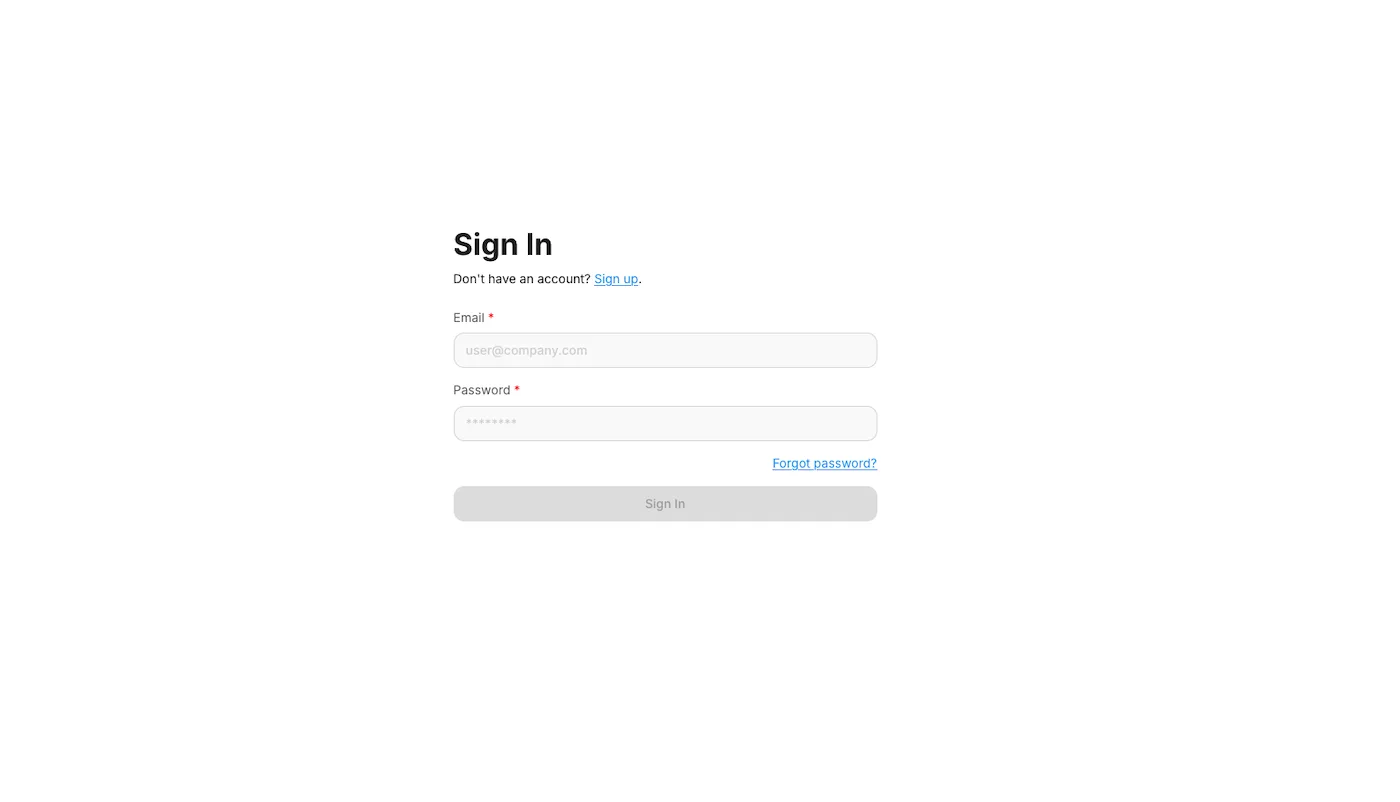
Open http://localhost:3000 in your browser. You will see a sign-in screen — click Sign up, create a user, and sign in with that user.
Path 2: Build and run with Docker
The recommended path for everything else — local experimentation, demos, lightweight production. All the Docker compose examples provided in the project consume chronos:local Docker image you will build next.
# clone the repository (skip if already done)
git clone git@github.com:intelligexhq/chronos.git
cd chronos/chronos_app/docker

# build the all-in-one local image
docker build -f Dockerfile.local -t chronos:local ..

# run as a container
docker run -d --name chronos -p 3001:3000 chronos:local
# Chronos is now accessible on http://localhost:3001
# stop: docker stop chronos
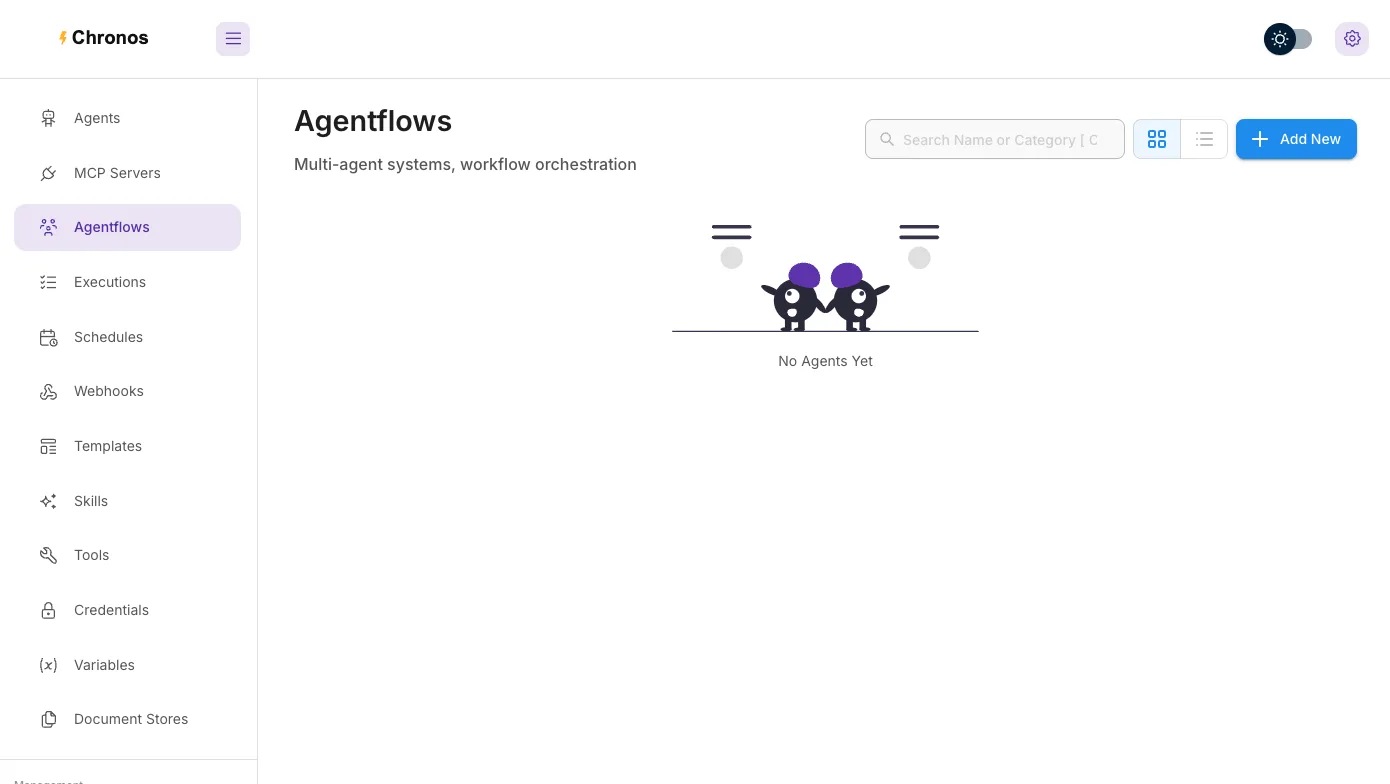
You will see the same sign-in screen at http://localhost:3001. Sign up, sign in.
What you have now
A single-container Chronos instance backed by an embedded SQLite database under ~/.chronos/.
Good enough for local development, demos, and small single-team deployments. It comes with:
- Agentflows — the visual canvas for building agents node-by-node.
- Agents — the registry where canvas agents and external HTTP agents both live (since v1.6).
- MCP Servers — the gateway for tool integrations (since v1.6).
- Credentials — encrypted secrets shared across nodes and outbound auth.
- Schedules — recurring agent runs on a cron.
Most of those are gated by environment variables that default off for safety — see the next-step links for how to enable each.
Next steps
You now have Chronos running. Pick the next tutorial based on what you want to build:
- Build your first canvas agent in Chronos — the visual-canvas onramp. Two nodes, an LLM, a chat widget.
- Register an HTTP agent in Chronos by Intelligex — bring an existing code-first agent (LangGraph, Mastra, OpenAI Agents SDK, FastAPI) under Chronos governance.
- Hosting Chronos — advanced examples — production-shaped docker-compose stacks: Postgres, queue/worker mode, Qdrant + Ollama, schedules, OpenTelemetry.
- How and where Chronos stores data — the
.chronosdirectory, supported databases, encryption-at-rest, blob storage backends.